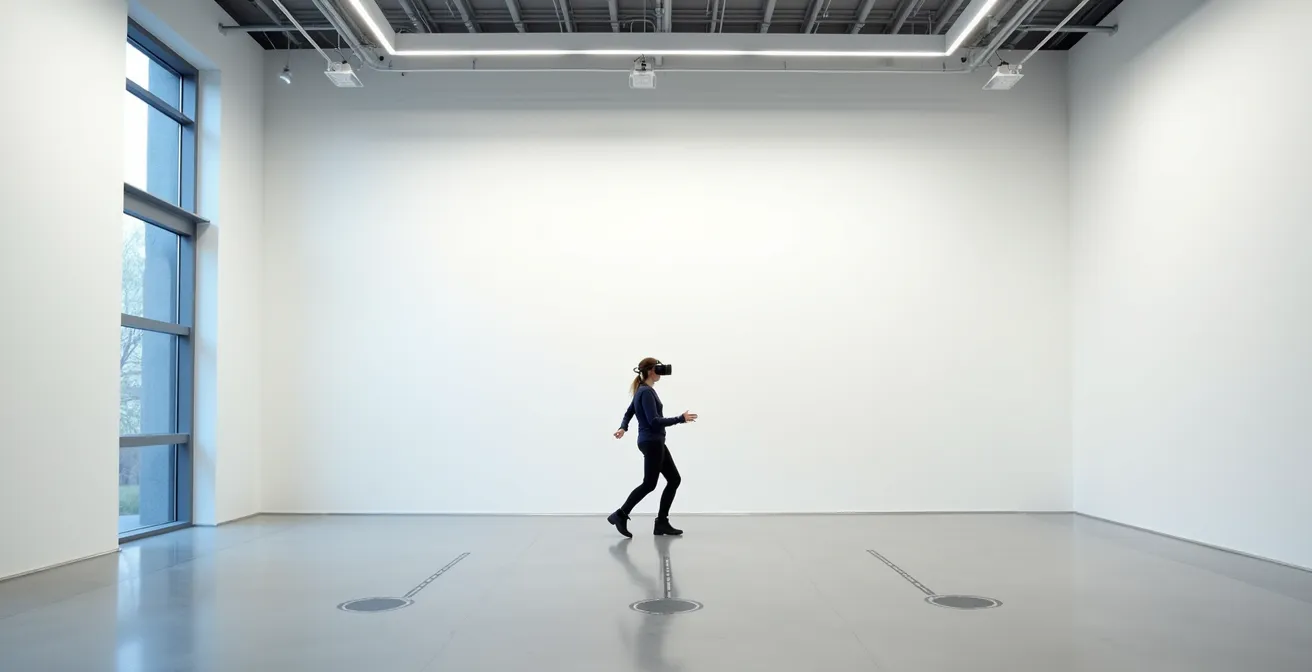
Effective VR safety is an act of environmental engineering, not just a software setting.
- Digital boundaries like the Guardian system are fallible and regularly fail during intense, fast-paced action or due to software glitches.
- Physical design elements, such as tactile flooring, cable management, and ergonomic supports, provide a crucial, reliable layer of safety.
Recommendation: Shift your focus from simply clearing a space to deliberately designing an environment with physical cues that protect users even when digital systems fail.
Every VR enthusiast, from the home user to the commercial arcade owner, has heard the standard safety advice: clear a space, turn on the Guardian, and be mindful of your surroundings. We’ve built our trust around these digital blue lines, assuming they are an invisible, infallible wall protecting us from the real world. But what happens when that wall flickers and disappears in the middle of a high-speed sword fight? Or when the cable you thought was secure suddenly wraps around your ankle?
The common approach to VR safety places the burden entirely on software warnings and user vigilance. This is a fragile system. The reality is that intense gameplay, software bugs, and simple ergonomic strain frequently lead to boundary failures and accidents. These are not user errors; they are design flaws in the environment. True, robust safety in virtual reality doesn’t come from a pop-up warning. It comes from proactively engineering the physical play space itself.
This guide moves beyond the platitudes. We will not tell you to “be careful.” Instead, we will adopt the mindset of a safety consultant, treating the VR space as an environment to be designed and controlled. The key is to create a space where physical and digital safeguards work in concert, a system that anticipates failures and accounts for human reflexes. This is the shift from passive safety to engineered safety.
We will dissect why digital systems fail, compare physical solutions for common hazards like tripping, and explore how to mitigate physical strain. We will even draw lessons from seemingly unrelated fields to understand the critical importance of materials and interfaces, all to build a VR experience that is not only immersive but fundamentally secure.
This article details the critical components of designing a truly safe and resilient room-scale VR environment. The following sections break down key challenges and provide practical, design-oriented solutions for each.
Summary: Designing Physical Spaces for Room-Scale VR Safety
- Why the Guardian System Fails During Fast-Paced Action?
- Ceiling Suspension or Wireless: Which Solves the Trip Hazard?
- UV Light or Wipes: The Sanitation Standard for Public VR?
- The “Gorilla Arm” Effect That Shortens Play Sessions to 15 Minutes
- Vibration Intensity: The limit Before Immersion Becomes Pain?
- How to Configure QoS Settings to Prioritize Streaming Traffic?
- The Cleaning Error That Permanently Strips Oil Paint
- Designing Diegetic User Interfaces for Immersive Media?
Why the Guardian System Fails During Fast-Paced Action?
The Guardian system is the cornerstone of consumer VR safety, yet it is fundamentally flawed. Its primary weakness is that it’s a reactive, purely visual system that can and does fail under pressure. During high-intensity games, players move quickly, often too fast for the system’s simple fade-in warning to register cognitively. A player lunging for a virtual target will not be stopped by a translucent grid appearing for a split second. This is a critical point of boundary failure. The system assumes a level of calm awareness that is absent during peak immersion.
System glitches further erode this trust. For instance, user reports confirm that in certain conditions, such as activating a “lying down mode,” there is a 100% chance of the boundary being lost upon reboot, requiring a full redraw. Furthermore, interoperability issues reveal a lack of standardized trust between systems. When SteamVR imports boundary data from the Oculus Guardian, it automatically grows the play space by 40cm. This is a tacit admission that the systems’ sensitivities are different and that a buffer is needed to prevent users from colliding with real-world objects. This is not a robust safety feature; it is a workaround for an unreliable system.
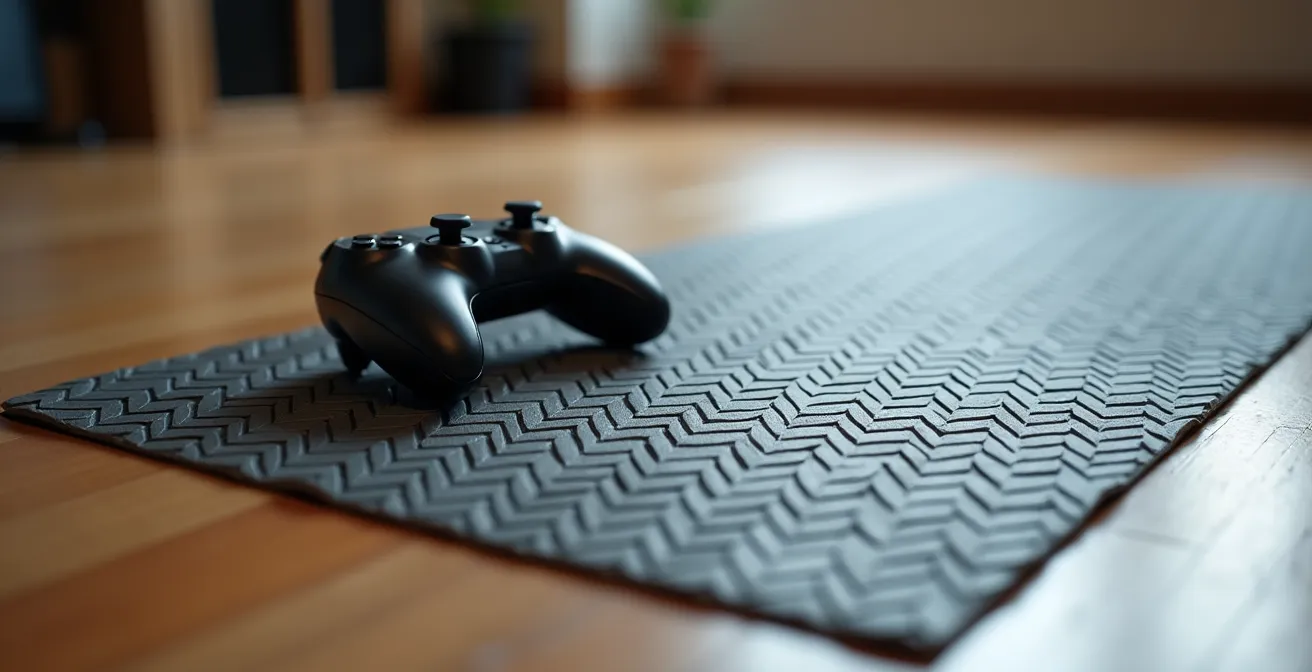
The solution is to augment the digital with the physical. A true safety system should not rely solely on vision. By incorporating tactile feedback at the edge of the play area—such as a change in floor texture from a smooth mat to a ridged border—you provide a warning that the user can feel with their feet. This physical cue is persistent, reliable, and does not depend on the user’s line of sight or the software’s stability. It transforms the boundary from a fragile digital warning into a tangible, engineered safety feature.
Ceiling Suspension or Wireless: Which Solves the Trip Hazard?
For PC VR users, the tethering cable remains the most persistent and dangerous physical hazard. It breaks immersion at best and causes serious trips and falls at worst. The two primary solutions to this problem—a ceiling-mounted suspension system or a fully wireless setup—each present a different set of design trade-offs. The choice between them depends heavily on the specific needs of your space, whether it’s a commercial arcade prioritizing uptime or a home setup prioritizing aesthetics and flexibility.
A ceiling suspension system uses a series of retractable pulleys to keep the cable off the floor and above the user’s head. It is a highly effective way to eliminate the immediate trip hazard. However, it introduces new potential immersion breaks, such as the physical sensation of the cable tugging during rapid movements or limitations on verticality. Aesthetically, it can lend an “industrial” or “professional” look to an arcade but may be visually intrusive in a living room. Wireless VR, by contrast, offers complete freedom of movement and a clean look, but it trades the physical tether for “digital tethers”: battery anxiety and potential signal interference that can disrupt gameplay at critical moments.
A direct comparison reveals that neither solution is perfect; they simply exchange one set of problems for another. As detailed in a recent comparative analysis of VR setups, the decision involves balancing costs, aesthetics, and points of failure.
| Aspect | Ceiling Suspension | Wireless |
|---|---|---|
| Immersive Cost | Physical tug sensation, limited verticality | Battery anxiety, potential signal interference |
| Aesthetic Integration | Industrial visible rig can be part of installation aesthetic | Clean look but charging logistics challenges |
| Failure Points | Tangling, mechanical wear | Battery death mid-experience, interference |
| Minimum Play Area | 1.5m x 1.5m (5ft x 5ft) | 2m x 2m (6.5ft x 6.5ft) |
Ultimately, the “best” solution is the one whose failure points you are better equipped to manage. For a public arcade, the reliability of a wired, suspended system may outweigh the risk of a wireless battery dying mid-session. For a home user, the convenience of a wireless setup may be worth the occasional signal drop. Both require deliberate installation and management.
UV Light or Wipes: The Sanitation Standard for Public VR?
In a post-pandemic world, sanitation in public-facing VR arcades is not just a matter of hygiene; it is a core component of operational safety and customer trust. The primary debate centers on two methods: disposable disinfectant wipes versus UV-C light sanitation boxes. Wipes are intuitive and provide a visible signal of cleaning, but they are consumable, costly over time, and can leave moisture and residue on sensitive electronics. UV-C light offers a fast, chemical-free, and comprehensive sanitization cycle, but its effectiveness is invisible to the naked eye, potentially requiring more effort to communicate its value to customers.
The choice is not merely operational but also strategic. It ties into the broader framework of safety protocols that build user confidence. Investing in robust systems, whether for sanitation or for training, has a demonstrable return. For example, some companies using VR-based hazard identification training report 45% fewer incidents post-deployment. This proves that a systematic approach to safety, including hygiene, pays dividends. A high-tech UV-C box can be marketed as a premium, medical-grade feature, while a rigorous, visible wipe-down protocol can be equally reassuring.
An often-overlooked aspect of sanitation protocols is their interaction with the VR system’s software. Frequent handling and moving of headsets and base stations for cleaning can sometimes lead to tracking glitches. While not typically necessary, knowing how to clear the headset’s boundary cache can be a crucial troubleshooting step if the Guardian system begins to malfunction after physical adjustments to the setup. The key is to establish a consistent and repeatable protocol that minimizes both biological and technical risks, ensuring the equipment is safe to use from every perspective.
The “Gorilla Arm” Effect That Shortens Play Sessions to 15 Minutes
One of the most common forms of physical strain in VR is the “gorilla arm” effect—the deep shoulder and arm fatigue that sets in from holding controllers outstretched without any physical support. This ergonomic failure can drastically shorten play sessions, turning an immersive adventure into a painful chore in as little as 15 minutes. It highlights a central conflict in VR design: the demand for free, unencumbered movement versus the physical realities of human endurance. Relying on user stamina alone is not a viable strategy for long-term engagement.
As the Blockchain Council VR Research Team noted in their guide, the foundational element is space, but this is just the beginning. According to their analysis:
The amount of space required for room-scale VR depends on the VR headset and user’s height and arm span. Vive recommends 2m x 1.5m while Oculus Rift requires minimum 1.5m x 2m. The larger the play area, the better the VR experience – users should be able to walk around without feeling cramped or limited.
– Blockchain Council VR Research Team, Road to VR Setup Guide
However, space alone does not solve fatigue. The solution lies in engineering physical support structures into the play environment. These can be simple or complex, from dedicated accessories to custom-built furniture that serves a dual purpose in both the real and virtual worlds.
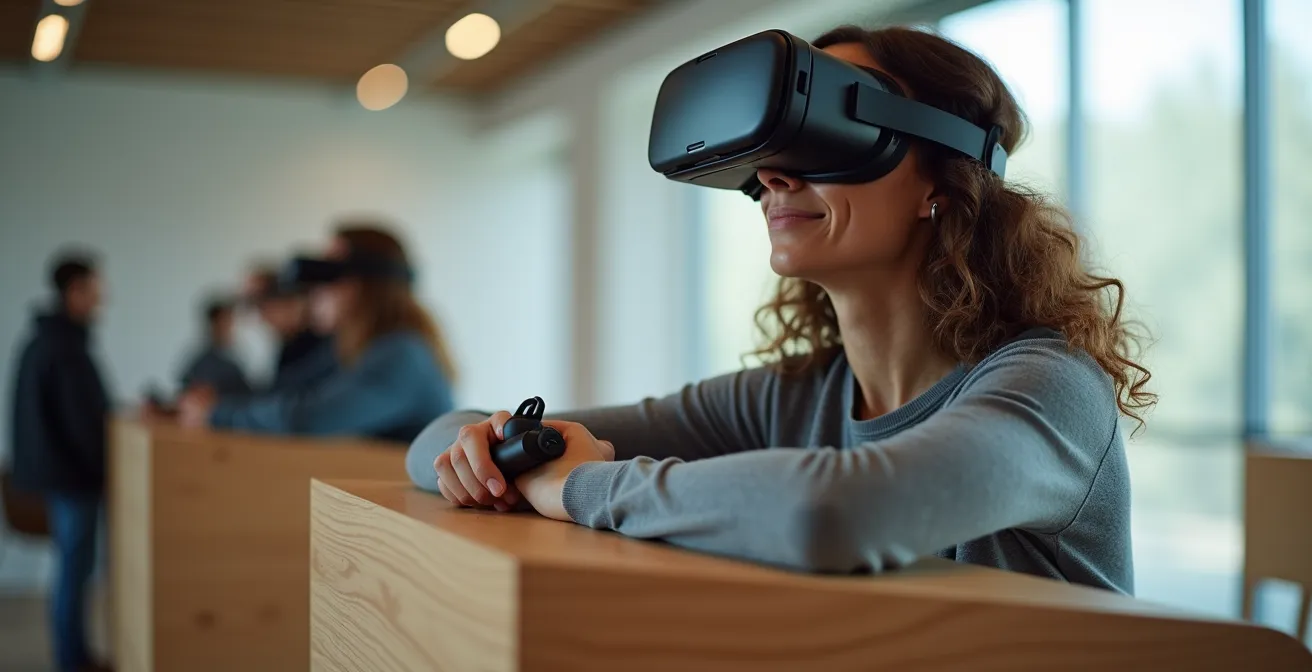
Case Study: Mitigating Fatigue with Physical Accessories
To combat both fatigue and boundary anxiety, home users and arcade owners are turning to a combination of physical aids. For instance, specialized VR mats with tactile markers provide crucial foot-based feedback, allowing users to re-center themselves without breaking immersion. To address the “gorilla arm” effect and short battery life, counter-weighted battery head straps for headsets like the Meta Quest 3 serve a dual function: they extend playtime while also shifting the device’s center of gravity, reducing forward pressure on the neck and face. For users with glasses, custom prescription lens inserts not only improve visual clarity but also prevent scratches on both the headset and personal eyewear, removing another layer of physical discomfort.
By providing users with opportunities to rest their arms, balance the headset’s weight, and improve visual comfort, we can dramatically extend session length and overall enjoyment. This is about designing for human limitations, not ignoring them.
Vibration Intensity: The Limit Before Immersion Becomes Pain?
Haptic feedback is a double-edged sword. On one hand, it is a powerful tool for immersion, translating virtual events into physical sensations. The rumble of an engine, the kick of a weapon, or the texture of a surface all depend on finely tuned vibrations. On the other hand, when poorly implemented, these same vibrations can become a source of irritation, discomfort, or even pain. A constant, high-frequency buzz is not immersive; it’s an annoyance that can lead to numbness or a desire to end the session. The line between engaging feedback and physical pain is thin and highly subjective.
The challenge for developers and hardware manufacturers is to calibrate this intensity. The goal is not maximum vibration, but meaningful vibration. Haptics should communicate information—the difference between stone and wood, a light tap versus a forceful impact—not just deliver raw sensory output. Excessive or monotonous vibration breaks presence just as surely as a dropped frame, as it reminds the user they are holding a piece of plastic hardware. The limit is crossed when the feedback is no longer perceived as part of the virtual world but as an external, physical stimulus acting upon the user’s body.
Interestingly, research shows that haptics, when used correctly, can do more than just enhance immersion; they can actively reduce pain. A study published in Scientific Reports explored the effect of tactile feedback on perceived pain from a thermal stimulus. The results were remarkable: the act of physically touching a virtual object during an immersive VR experience led to a 35% reduction in the worst pain experienced by participants. This analgesic effect, comparable to a moderate dose of an opioid, demonstrates the profound connection between touch, immersion, and our perception of pain. It suggests that the future of haptics lies not in raw power, but in sophisticated, context-aware feedback that can fundamentally alter a user’s physical state.
How to Configure QoS Settings to Prioritize Streaming Traffic?
For users of wireless PC VR solutions like Meta’s Air Link or Virtual Desktop, the play space is not just physical; it is also spectral. The entire virtual world is streamed over your local Wi-Fi network, and this makes network performance a critical, yet often overlooked, component of VR safety and immersion. A sudden drop in bandwidth or a spike in latency doesn’t just cause stuttering; it can lead to disorientation, motion sickness, and a complete breakdown of presence, which can be dangerous during active gameplay. This is where Quality of Service (QoS) becomes an essential tool for engineered safety.
Quality of Service (QoS) is a feature in most modern routers that allows you to prioritize network traffic for specific devices or applications. In a busy household network where multiple devices are streaming videos, downloading files, and browsing the web, your VR headset is competing for bandwidth. By configuring QoS, you instruct your router to treat the data stream for your VR headset as the highest priority, ensuring it gets the bandwidth it needs for a smooth, stable experience.
While the exact steps vary by router manufacturer, the process generally involves these principles:
- Accessing Router Settings: You’ll need to log into your router’s administration panel via a web browser (usually at an address like 192.168.1.1).
- Finding the QoS Menu: Look for a section named “QoS,” “Traffic Manager,” “Device Prioritization,” or something similar.
- Prioritizing Your Headset: The best QoS systems allow you to prioritize a specific device. You would select your VR headset from a list of connected devices and set its priority level to “Highest” or “Maximum.” Some routers may require you to enter the headset’s MAC address, a unique identifier found in its network settings.
- Prioritizing by Application (Advanced): Less commonly, some routers may allow prioritization by service or port number. This is more complex and generally not necessary if device-level prioritization is available.
By treating your VR data stream as mission-critical, you are actively engineering a more stable and therefore safer virtual experience, preventing the network itself from becoming a hazard.
The Cleaning Error That Permanently Strips Oil Paint
In the world of art conservation, a catastrophic and irreversible error is to use the wrong solvent on a masterpiece. An alcohol-based cleaner applied to a 19th-century oil painting, for example, will not just remove grime; it will strip the varnish and begin to dissolve the paint layers themselves, permanently destroying the artist’s work. This principle of material-specific care holds a powerful lesson for the maintenance of VR hardware, which is itself a collection of sensitive, specialized materials.
A VR headset is not a simple piece of consumer electronics; it is a delicate instrument. The lenses, in particular, are not glass but a specialized polymer that is highly susceptible to damage. The most common and devastating cleaning error is using alcohol-based wipes or solutions on these lenses. Much like the solvent on the oil paint, the alcohol can strip the anti-reflective and protective coatings, causing a permanent, hazy fog on the lens that ruins visual clarity. The same applies to harsh paper towels, which can create micro-scratches that diffuse light and degrade the image.
The correct method is always to use a dry, clean microfiber cloth, moving in a gentle, circular motion from the center of the lens outwards. For more stubborn smudges, a tiny amount of water (and only water) can be applied to the cloth, never directly to the lens. The face cushions and plastic housing also require care. Using abrasive cleaners or harsh chemicals can cause plastics to become brittle and discolored. The lesson from the art world is clear: understand the materials you are handling. An error made in a few seconds of cleaning can cause permanent, costly damage to the hardware that is the gateway to your virtual world.
Key Takeaways
- Digital safety systems like the Guardian are unreliable and must be supplemented with physical, tactile boundaries.
- Ergonomic fatigue is a design problem, not a user failing. Physical supports and balanced hardware are essential for longer, comfortable play sessions.
- Every element of the VR setup, from network configuration (QoS) to cleaning methods, is a component of a total engineered safety system.
Designing Diegetic User Interfaces for Immersive Media?
A diegetic user interface (UI) is one that exists within the narrative and physical space of the virtual world. Think of a character checking their ammo count on a display built into their weapon, rather than looking at a floating number in the corner of the screen. This design philosophy is crucial for deep immersion. The question for us, as safety designers, is how to extend this concept beyond the screen and into the physical play space. The answer lies in creating transitional interfaces—elements that bridge the real and virtual worlds.
Instead of relying on immersion-breaking pop-ups, a transitional interface uses light, sound, and haptics to make the physical boundaries part of the experience itself. For example, ambient audio could shift as a player nears a wall, or gentle floor vibrations could increase in intensity, warning the user through sensory channels that are more intuitive than a visual grid. Recent advancements in haptic technology show incredible promise for this application. For example, testing of finger-integrated haptic interfaces achieved an 85.4% average recognition accuracy, proving that complex information can be reliably communicated through touch alone. These are no longer sci-fi concepts; they are practical tools for engineered safety.
Implementing such a system requires a holistic approach, blending environmental design with technical setup. It involves everything from the color temperature of your room lighting to the audio cues that signal the transition into the virtual world. Below is a practical plan for starting to implement these ideas.
Action Plan: Implementing Transitional Interfaces
- Set room lighting: Adjust lighting to a neutral white (around 4000K) to ensure clean edge detection for headset tracking cameras.
- Use instructional projections: Install light projectors on the floor to pre-map the virtual world’s layout before the user even puts on the headset.
- Create ambient audio cues: Design a soundscape that subtly changes to bridge the real and virtual environments during the initial transition phase.
- Install tactile markers: Use textured floor mats or raised markers to help users stay centered in the play space without breaking visual immersion.
- Implement haptic zones: If possible, use floor-based transducers to create gradual haptic feedback zones that increase in intensity as users approach physical boundaries.
By designing these diegetic, transitional elements, you are no longer just drawing a boundary; you are composing a safer, more intuitive, and more deeply immersive experience.
Frequently Asked Questions on Designing Physical Spaces for Room-Scale VR Safety
Why should I clear the boundary cache for sanitation setup changes?
Clearing the boundary cache resolves tracking issues, guardian system errors, and problems recognizing your play area, serving as a useful troubleshooting step for virtual boundary glitches.
Does clearing boundary cache affect installed VR applications?
Clearing the boundary cache specifically resets guardian settings and doesn’t impact your installed apps.
How often should sanitation protocols trigger boundary recalibration?
There’s generally no need to clear the boundary cache regularly – it’s a troubleshooting step reserved for specific issues, not needed if the guardian system works properly.