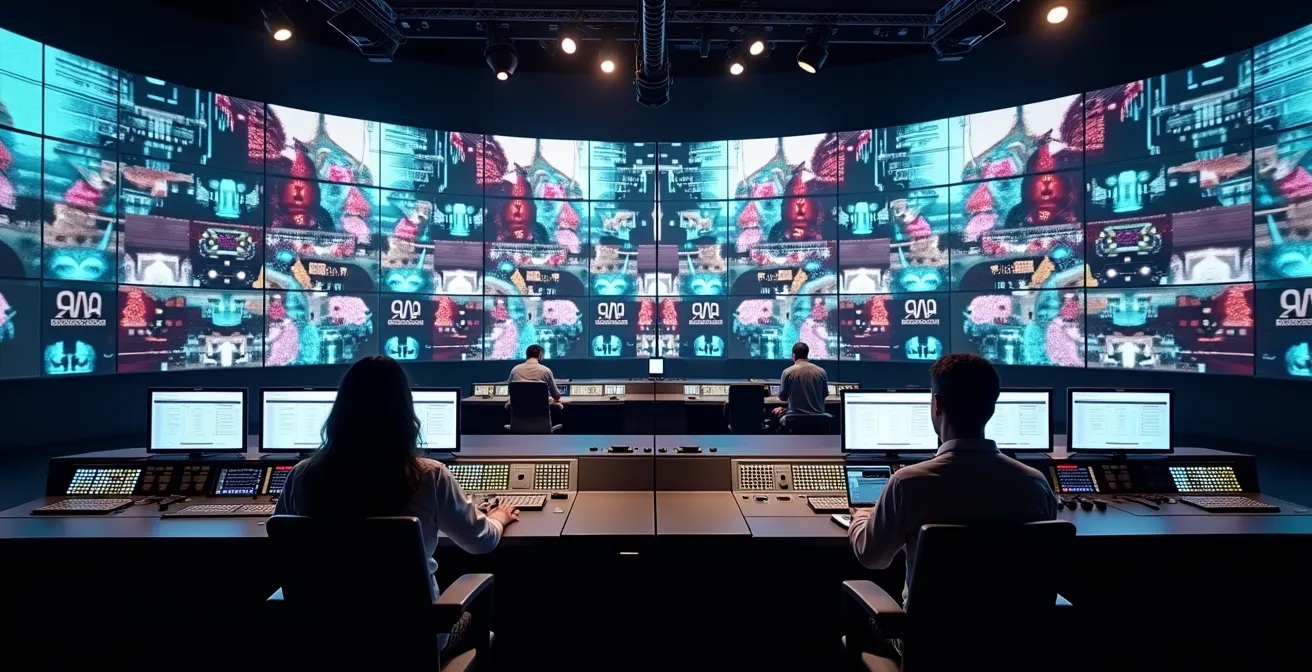
Producers and technical directors are often told to simply “add social media” to boost engagement, but this advice ignores the critical technical and legal pitfalls that cause live broadcasts to fail. The key to a glitch-free production is not creative ambition but engineering resilience. This guide provides a professional framework for building a robust broadcast ecosystem, focusing on mastering latency, architecting network capacity, and implementing rigorous content verification to merge social feeds seamlessly and safely.
For modern TV producers and technical directors, the mandate is clear: make broadcasts more interactive. The quickest way to do this is by integrating live social media feeds. Viewers become participants, and engagement metrics soar. The common advice is to pick a tool, display comments on screen, and watch the magic happen. This approach, however, often leads to a different kind of magic: on-air glitches, awkward silences, and even legal notices that can shut down a stream entirely.
The problem is that most guides focus on the creative “what” while ignoring the engineering “why.” They don’t explain why comments appear 30 seconds after the action, how to handle a deluge of toxic posts during a sensitive segment, or what happens when a user’s seemingly innocent video contains a copyrighted song. This superficial understanding creates a fragile system, prone to catastrophic failure at the worst possible moment.
But what if the solution wasn’t to find a better app, but to build a more resilient ecosystem? The true path to seamless social media integration lies in treating it as an engineering challenge, not a creative add-on. It requires a deep understanding of the entire signal chain, from the camera lens to the viewer’s screen and back again. It’s about mastering the technical realities of latency, bandwidth, and content verification to build a system that is not just interactive, but robust.
This guide moves beyond the platitudes to provide a technical roadmap. We will dissect the core challenges—latency, moderation, encoding, and copyright—and provide solution-oriented frameworks to build a broadcast workflow that is both dynamic and dependable.
By understanding the underlying principles of this integration, you can transform social media from a source of potential disaster into a powerful, reliable asset for your live productions. This article outlines the critical technical and legal checkpoints for a flawless execution.
Summary: A Technical Roadmap for Live Social Integration
- Why Social Media Comments Lag 30 Seconds Behind Live TV?
- How to Automate Content Moderation for Live On-Air Social Walls?
- Software vs. Hardware Encoders: Which Handles Multi-Stream Better?
- The Copyright Oversight That Can Shut Down Your Live Stream
- When to Insert Social Breaks: The Timing That Retains TV Viewers
- The “User-Generated” Risk: Verifying Videos from Conflict Zones
- Why uncompressed 4K Video Crashes Standard 10GbE Networks?
- Migrating Broadcast Studios from SDI to IP Infrastructure?
Why Social Media Comments Lag 30 Seconds Behind Live TV?
The most common frustration in live social integration is the noticeable delay. A host asks a question, and reactions appear on screen long after the conversation has moved on. This isn’t a bug; it’s a predictable outcome of two separate latency chains colliding. The first is your broadcast’s “glass-to-glass” latency—the time it takes for video to travel from your camera, through encoders and CDNs, to the viewer’s screen. For broadcast television this is often under 10 seconds, but for online streams, industry standards show a typical delay of 15-30 seconds.
The second, parallel delay is the “API-to-screen” social latency. This includes the time it takes for a comment to post on a platform, be pulled by your moderation tool’s API, get approved, and finally be rendered by your graphics engine. This can easily add another 15-20 seconds. Combined, you have a 30-60 second gap between the live action and the on-air social reaction.
Instead of fighting this delay, the solution is to embrace it by creating a ‘Moderation Buffer Protocol’. This 30-second window is a strategic asset. It provides your moderation team with invaluable time to curate the best, most relevant comments, filter out spam or abuse, and prepare them for air. To make this feel seamless, train your on-air talent with bridge scripts like, “The reactions from just a moment ago are pouring in, and they are fantastic,” which acknowledges the delay naturally. The key is a dual-monitoring setup: one screen showing the real-time production feed and a second dashboard displaying the delayed social feed, allowing your team to work within the buffer, not against it.
How to Automate Content Moderation for Live On-Air Social Walls?
Manually moderating a flood of comments during a high-traffic live event is an impossible task. The obvious solution is automation, but relying solely on AI is a well-documented path to failure. While AI is incredibly effective at catching explicit violations and spam, research shows that automated systems still struggle with the very things that make human communication rich: humor, sarcasm, and cultural nuance. An AI might flag a sarcastic compliment as positive or miss a coded insult entirely, leading to on-air embarrassment.
The industry is moving toward automation, but with critical caveats. Consider the case of TikTok, which made headlines for replacing human moderators with AI. This highlights the ongoing tension and the need for a more sophisticated approach. The most robust solution is a hybrid moderation workflow. This system uses AI as the first line of defense, automatically filtering out the vast majority (80-90%) of clear violations and spam. This leaves a much smaller, manageable queue of content for human moderators.
These human operators then focus on the high-value task that AI cannot perform: understanding context. They handle the ambiguous, the nuanced, and the culturally specific comments. This tiered system maximizes efficiency without sacrificing safety or quality. Modern multimodal LLMs are improving in these areas, but for high-stakes live broadcasts, the human-in-the-loop remains non-negotiable. The goal is to let machines handle the volume and humans handle the judgment.
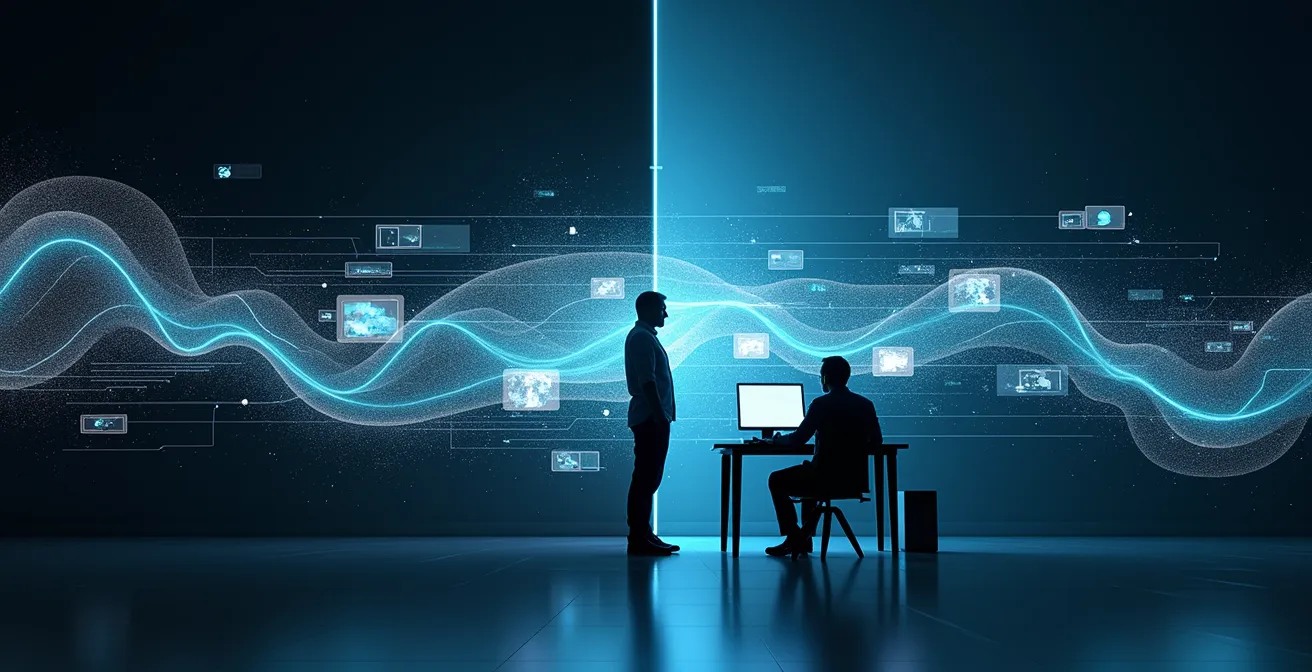
This visual represents the ideal hybrid workflow. On one side, automated processes handle the high volume of incoming content, while on the other, a human operator focuses on the context-dependent decisions that require nuance and understanding. This symbiotic relationship ensures both speed and accuracy in a live environment.
Software vs. Hardware Encoders: Which Handles Multi-Stream Better?
An encoder is the heart of your streaming operation, converting your video into a format suitable for the web. When you add multiple social media graphic overlays and potentially stream to several platforms simultaneously, the load on your encoder multiplies. The choice between a dedicated hardware encoder and a software-based solution becomes critical. There is no single “best” option; the right choice depends entirely on your production context.
A hardware encoder is a purpose-built device designed for one job: encoding video. This specialization leads to rock-solid reliability and dedicated processing power. It won’t be competing for resources with other software on a computer, making it ideal for fixed installations like a broadcast studio, theater, or museum where stability is paramount. The downside is higher upfront cost and less flexibility if your needs change.
A software encoder runs on a standard PC, offering immense flexibility and lower initial cost. It’s the go-to choice for mobile, on-location productions like an art festival, where portability is key. However, its performance is entirely dependent on the host computer’s CPU, GPU, and system bus. Running multiple streams and complex graphics can lead to system bus saturation, causing dropped frames, audio-video sync issues, and even system crashes. For high-stakes broadcasts, a hybrid model is often the safest bet, using a primary hardware encoder for the main program feed and a software encoder on a separate machine for social overlays.
| Production Context | Recommended Solution | Key Advantages | Limitations |
|---|---|---|---|
| Fixed Installation (Museum/Theatre) | Hardware Encoder | Rock-solid reliability, dedicated processing, no CPU bottlenecks | High upfront cost, limited flexibility |
| Mobile/On-Location (Art Festival) | Software Encoder | Portable, flexible configuration, lower cost | Dependent on PC performance, potential system bus saturation |
| High-Stakes Broadcast | Dual-Engine Hybrid | Primary hardware for main stream, software for overlays | Complex setup, requires skilled operators |
Your Action Plan: Identifying and Solving Network I/O Bottlenecks
- Monitor your Network Interface Card (NIC) utilization: it should consistently stay below 70% to ensure stable streaming and avoid packet loss.
- Calculate your total required bandwidth: sum the 4K program feed (~25 Mbps), each NDI source (~100 Mbps), and the social graphics/API data (~10 Mbps).
- Implement dedicated NICs for distinct functions: one for video ingest, one for stream output, and a third for control and monitoring to prevent traffic collision.
- Configure Quality of Service (QoS) on your network switches to prioritize real-time video packets over less time-sensitive API calls and general network traffic.
- Conduct stress tests before going live: simulate the maximum number of concurrent streams and graphic overlays to identify and resolve potential bottlenecks in a controlled environment.
The Copyright Oversight That Can Shut Down Your Live Stream
Every producer knows not to play unlicensed pop music during a broadcast. However, the most significant copyright risk in social media integration isn’t this obvious infringement. It’s a far more insidious problem known as “nested copyright.” This occurs when user-submitted content, which appears original, contains third-party intellectual property without permission. The liability for airing this content then shifts directly to the broadcaster.
As one analysis on the complexities of video moderation notes, broadcasters often overlook this risk. A viewer’s heartfelt video from a protest might have a copyrighted song playing from a car radio in the background. A fan’s “selfie” video might prominently feature a famous brand’s logo on their t-shirt or a well-known piece of artwork hanging on the wall behind them. Each of these elements is a potential copyright landmine. When you broadcast that video, you are re-publishing these copyrighted works, and automated platform algorithms like YouTube’s Content ID will issue a takedown notice without hesitation, potentially shutting down your entire live stream mid-broadcast.
Mitigating this risk requires a stringent “UGC Legal Pre-Flight Checklist.” Your submission guidelines must explicitly forbid copyrighted materials. All video submissions should be scanned with automated audio fingerprinting tools before being cleared for air. Furthermore, you must distinguish between rights for ephemeral use (live broadcast only) and archival use (for VOD content later), securing a simple digital release form from users. Finally, a rapid response protocol for handling takedown notices during a live show is essential to resolve claims quickly and keep the broadcast online. The responsibility for what appears on your screen is ultimately yours, and ignorance of the nuances of nested copyright is no defense.
When to Insert Social Breaks: The Timing That Retains TV Viewers
A common mistake is treating social media as an interruption—a dedicated, awkward “social break” where a host reads tweets from a tablet. This approach fragments the viewing experience and signals to the audience that social interaction is secondary. A far more effective strategy is to weave social content into the very fabric of the broadcast’s narrative, transforming it from an interruption into an enhancement.
The key is to think of your broadcast’s social dimension in a classic three-act structure. Act 1 (World Building), during the first 20% of your show, is about setting the scene. Here, you display comments showing audience excitement, location check-ins, and messages of anticipation. This builds a sense of shared community and event. Act 2 (Raising the Stakes), the main body of the show, is where you introduce conflict and tension. This is the perfect time to launch controversial polls, showcase divided opinions on a topic, or highlight contrasting viewer reactions to a key moment.
Finally, Act 3 (Catharsis), the last 20%, is for resolution. Here, you share heartfelt reactions, messages of celebration, and community appreciation, bringing the emotional journey to a satisfying close. By timing these social segments to the natural transitions of your show—between performances, during set changes, or immediately following a pivotal event—they feel organic and additive. This method, demonstrated by platforms like StreamYard that enable seamless, real-time comment display, transforms passive viewers into active participants throughout the entire narrative flow.
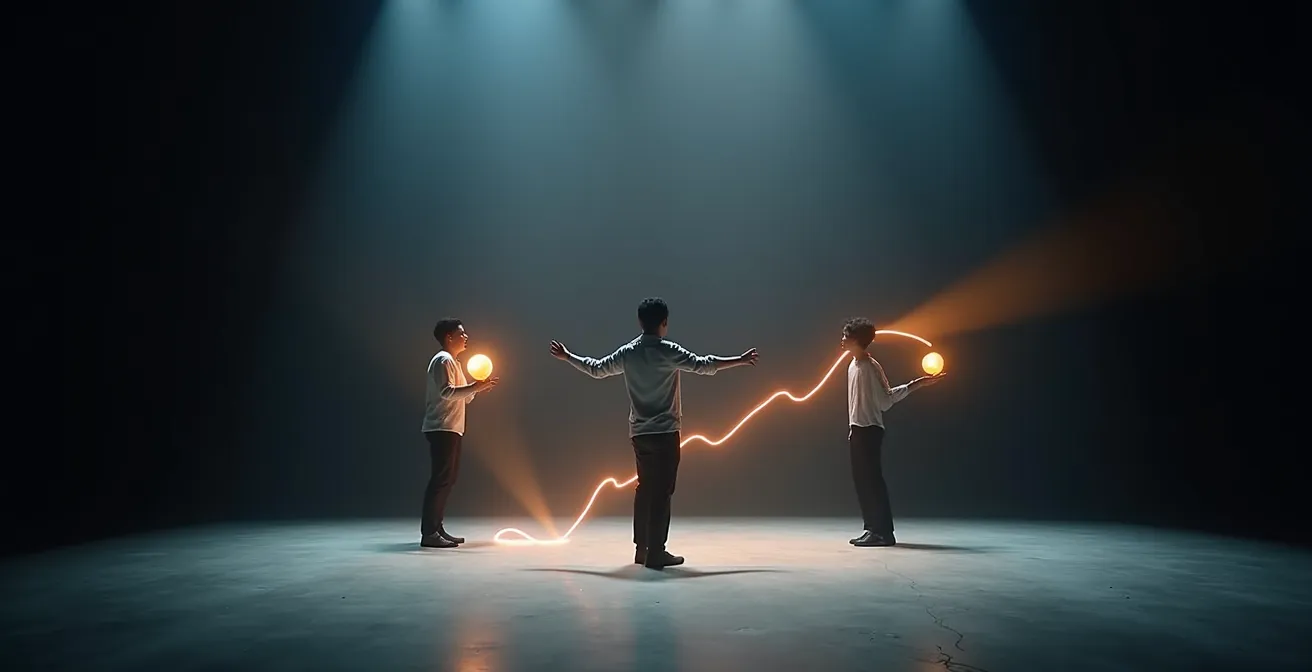
This timeline illustrates how social integration can mirror a classic narrative arc. It starts with building community excitement, moves to creating engaging tension, and concludes with a sense of shared resolution, making the audience an integral part of the story from beginning to end.
The “User-Generated” Risk: Verifying Videos from Conflict Zones
When broadcasting user-generated content (UGC) from sensitive environments like protests or conflict zones, the stakes are exponentially higher than copyright. The primary risks are misinformation, disinformation, and the potential to endanger sources. Showing a faked video can destroy your organization’s credibility, while airing un-redacted footage can put lives at risk. A rigorous, professional-grade verification workflow is not optional; it’s a core ethical and journalistic responsibility.
The challenge is immense, as even the largest platforms struggle. A 2024 case involving Meta highlighted inconsistencies in how AI-generated fakes were handled, underscoring the dangers of inconsistent protocols and the need for robust, independent verification. Relying on platform moderation or initial media reports is insufficient. Your broadcast team must own the verification process.
The gold standard is a professional Open-Source Intelligence (OSINT) workflow, often structured as a “traffic light” protocol. Green Light: The content is cleared for broadcast. This requires verification from at least three independent, reliable sources, plus confirmation of metadata (like timestamps) and geolocation. Yellow Light: The content is plausible but cannot be fully confirmed. If used, it MUST be accompanied by a clear, unmissable on-screen disclaimer: “UNVERIFIED CONTENT.” Red Light: The content has been debunked or is unverifiable. It must not be used under any circumstances.
This process involves practical steps: using reverse image search tools (like TinEye) to find prior instances of the media, cross-referencing visible landmarks with satellite imagery (like Google Earth) to confirm location, and scrutinizing metadata for anomalies. For the protection of the source, it is also standard practice to apply voice modulation and face blurring unless they have explicitly consented to be identified and understand the risks.
Why uncompressed 4K Video Crashes Standard 10GbE Networks?
As studios upgrade to 4K production, many technical directors assume that a standard 10 Gigabit Ethernet (10GbE) network will be sufficient. This assumption often leads to catastrophic network failures, dropped frames, and system-wide instability. The problem lies in the colossal bandwidth requirements of uncompressed, high-quality video.
The math is unforgiving. A single stream of uncompressed 4K video at 60 frames per second (4K60p) requires approximately 12 Gigabits per second (Gbps) of sustained bandwidth. However, a 10GbE network’s real-world effective throughput, after accounting for network overhead, is closer to 9.4 Gbps. As technical analysis reveals, this means a single uncompressed 4K feed can instantly saturate and overwhelm a standard 10GbE link. Now, imagine a multi-camera production with additional NDI sources and graphic overlays—the network collapses instantly.
Attempting to run uncompressed 4K over 10GbE is simply not viable. The solution is to use a visually lossless mezzanine codec. These are not delivery codecs like H.264, but intermediate production codecs designed to reduce bandwidth significantly with minimal impact on image quality and latency. They strike a crucial balance between the pristine quality of uncompressed video and the manageable bandwidth of compressed formats. Choosing the right one depends on your specific needs for latency, quality, and bandwidth within your IP-based production environment.
| Codec | Compression Ratio | Latency | 4K60p Bandwidth | Best Use Case |
|---|---|---|---|---|
| NDI | 10:1 | <1ms | ~250 Mbps | LAN production environments |
| SRT | Variable | 120-200ms | 25-50 Mbps | WAN/Internet delivery |
| JPEG-XS | 6:1 to 10:1 | <1 frame | ~500 Mbps | High-quality contribution |
As the table shows, a codec like NDI can reduce the bandwidth of a 4K stream from 12 Gbps to a far more manageable 250 Mbps, making it perfectly suitable for a 10GbE network, while adding less than a millisecond of latency. This strategic compression is the key to enabling high-quality 4K-over-IP workflows without requiring a prohibitively expensive network overhaul.
Key Takeaways
- The 30-second lag is not a bug, but a predictable sum of broadcast and API delays that can be managed strategically.
- Relying solely on AI for moderation is a recipe for failure; a hybrid model with human oversight for nuance is non-negotiable.
- The greatest legal risk isn’t overt piracy but “nested copyright” hidden within user-generated content.
Migrating Broadcast Studios from SDI to IP Infrastructure?
The challenges discussed—latency, multi-streaming, and 4K bandwidth—are all symptoms of a larger, foundational shift in broadcast technology: the migration from traditional SDI (Serial Digital Interface) to a flexible IP (Internet Protocol) infrastructure. SDI has been the reliable workhorse for decades, but its point-to-point, one-way architecture is fundamentally unsuited for the dynamic, multi-source, interactive demands of modern broadcasting.
An IP-based studio treats every source—every camera, graphics engine, social feed, and remote contributor—as a node on a network. This enables unprecedented flexibility but also introduces complexity. The migration can feel daunting, which is why a phased, hybrid strategy is the most successful approach. It’s not about ripping and replacing everything overnight. Phase 1 often involves using IP gateways to bring existing SDI cameras into a new IP core. Phase 2 is a perfect opportunity to build the entire social media and graphics workflow natively in the IP domain using protocols like NDI or SMPTE 2110.
This migration is not just about technology; it’s about skills. Broadcast engineers must be retrained on network fundamentals, including PTP (Precision Time Protocol) for flawless synchronization, multicast routing for efficient stream distribution, and network security. The need for this shift is driven by audience expectations, as one industry leader noted:
The industry has yet to catch up with consumer demand to provide a real-time experience. For today’s consumers, live sporting events are riddled with spoilers, especially as we continue to see this new scroll and watch habit, getting notifications straight to our phones via apps and social media.
– Roy Reichbach, CEO of Phenix
This pressure from the “second screen” is precisely why the rigid world of SDI must give way to the flexible, network-native world of IP. It is the only way to seamlessly integrate the very social feeds that are setting viewer expectations.
To ensure your next production is both engaging and technically sound, the immediate next step is to audit your existing workflow against these engineering principles. Begin by mapping your glass-to-glass latency and moderation protocols today to identify and fortify the weakest links in your signal chain.